Import an ICS file to Google Calendar
To import an ICS file into Google Calendar, open it on a computer and go to Settings → Import & export → Select file from your computer → Import. The file can be at most 1 MB; a ZIP file must be unzipped first, and each ICS file imported separately.
As of 7 October 2026 · Source: Google Calendar Help: Import events to Google Calendar
Step by step: import an ICS file
- Create a new calendar
Create a separate calendar for the import. If you don’t like the result, simply delete that calendar. - Open Settings
Open Google Calendar on a computer, click the gear icon at the top right, then “Settings”. - Import & export
Choose “Import & export” on the left and click “Select file from your computer”. - Choose the destination calendar
Select the ICS file and set the new calendar as the destination. - Click “Import” once
A second click leads to “Processed zero events” – the events are usually already there.
If the import doesn’t work
| Problem | Fix |
|---|---|
| File larger than 1 MB | Shrink or split the file |
| ZIP file from Google’s export | Unzip it and import each ICS file separately – or drop the ZIP into the tool |
| “Processed x of y events” | Some events can’t be read; export again or check the file in the tool |
| Events at the wrong time | Check the time zone in Google Calendar and in the source app |
| Guests are missing | Google doesn’t import guests and conference data |
What a valid ICS file looks like
According to Google, an ICS file starts with BEGIN:VCALENDAR, followed by VERSION:2.0 and PRODID, and ends with END:VCALENDAR. Each event sits between BEGIN:VEVENT and END:VEVENT. The tool checks and writes files according to the iCalendar standard RFC 5545.
Look inside an ICS file first
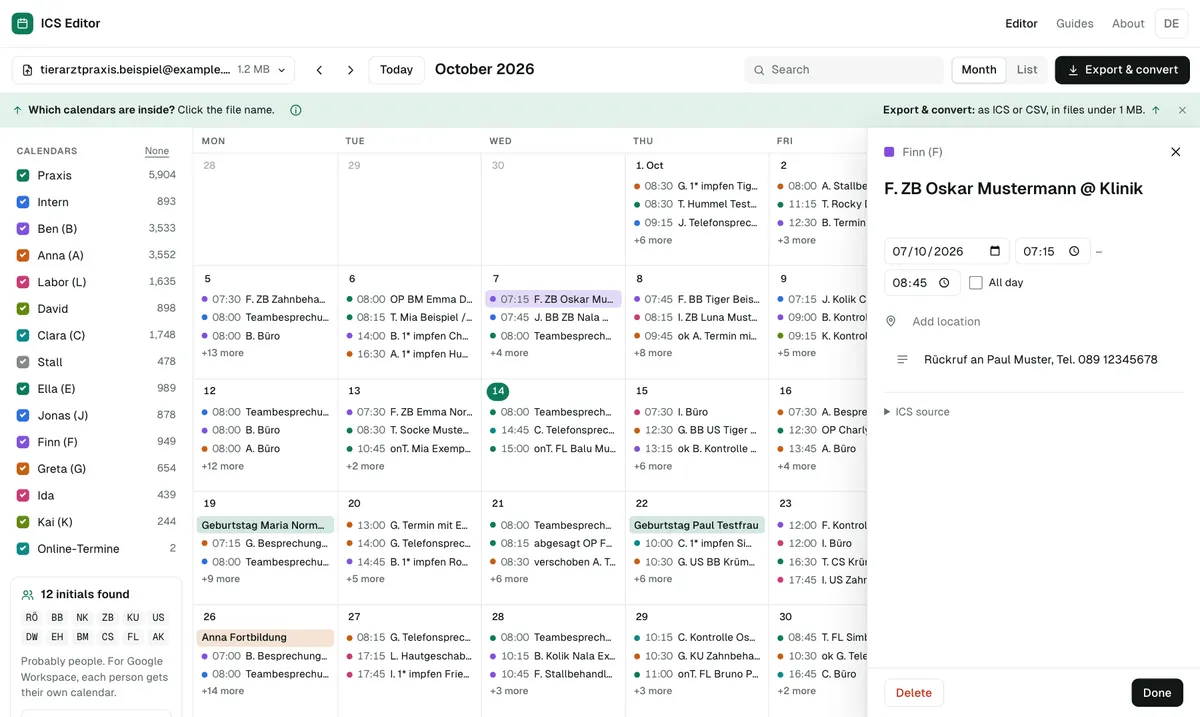
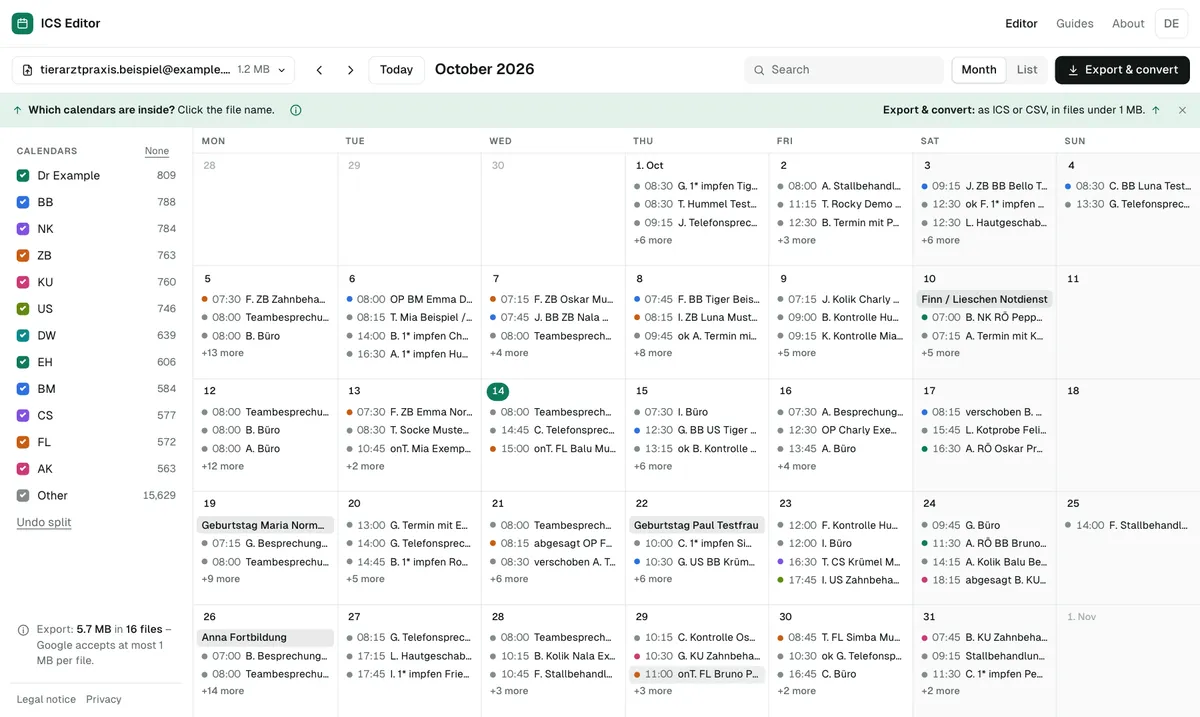
Before importing, you can open the file in the tool: it shows the number of events, date range, recurring events, time zones and whether it contains phone numbers or email addresses. If it covers several people or topics, you can split it into several calendars.
Frequently asked questions
Why can’t I import an ICS file into Google Calendar?
Common reasons: the file is larger than 1 MB, it’s still packed in a ZIP file, it has formatting errors – or you’re trying on a phone. Import only works on a computer.
Are recurring events from an ICS file kept?
Yes, from ICS files they are. Only from CSV files does Google create recurring events as single events.
Can I open an ICS file without importing it?
Yes – in the tool. It shows all key figures and runs entirely in your browser, without uploading.
Sources
All information as of 7 October 2026.