CSV to ICS converter
To convert a CSV file to ICS, every row is turned into an event according to the iCalendar standard (RFC 5545) – with start, end, title and time zone. The tool does this in your browser: drop the file in, check the columns, choose “ICS”, download.
As of 7 October 2026 · Source: Google Calendar Help: Import events to Google Calendar
Step by step: convert CSV to ICS
- Open your CSV or Excel file
The tool detects separators, character set, column names and date formats by itself. - Check the columns
Under “Columns” you see what becomes the title, start, end, location and description. - Choose a time zone
Times are stored with a time zone (default: Europe/Berlin) so they display correctly everywhere. - Choose “ICS” and download
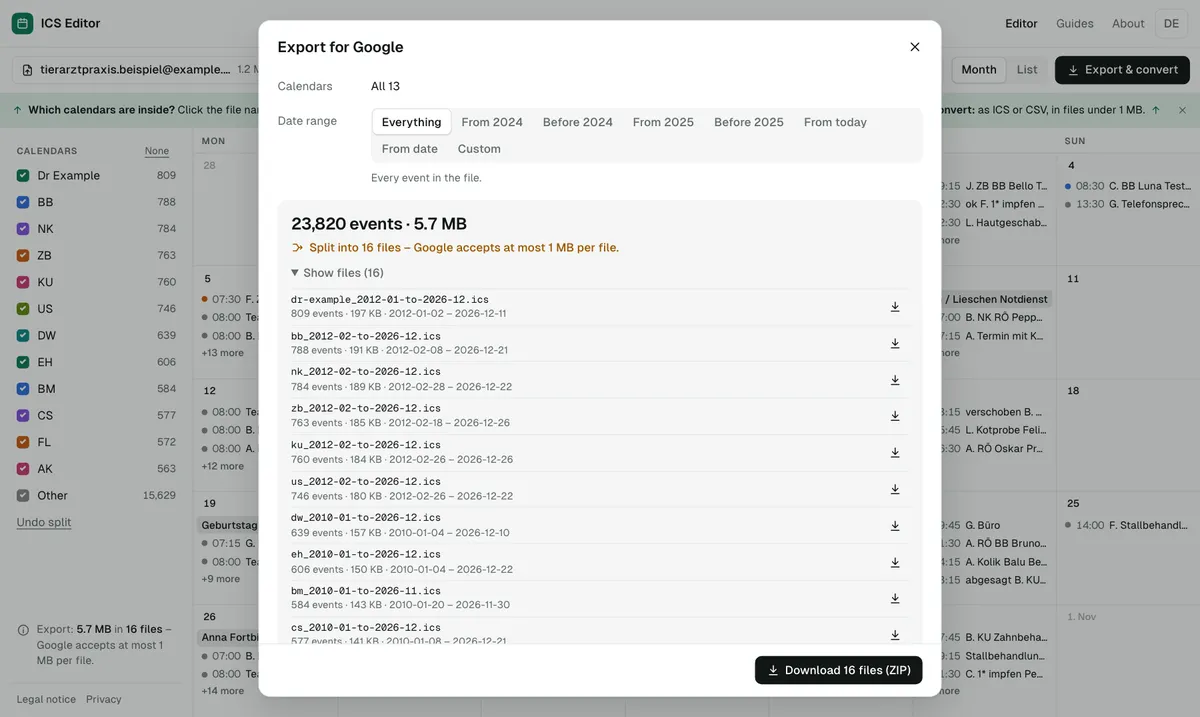
Results that are too large are split into parts under 1 MB.
When ICS beats CSV
| Google CSV | ICS | |
|---|---|---|
| Recurring events | become single events | real recurrence |
| Time zone | not stored in the file | stored |
| Other apps | mainly Google | Google, Outlook, Apple and many more |
| Editing in Excel | easy | not intended |
For birthdays and other yearly events, ICS is the right choice – see Excel to Google Calendar.
Convert without uploading
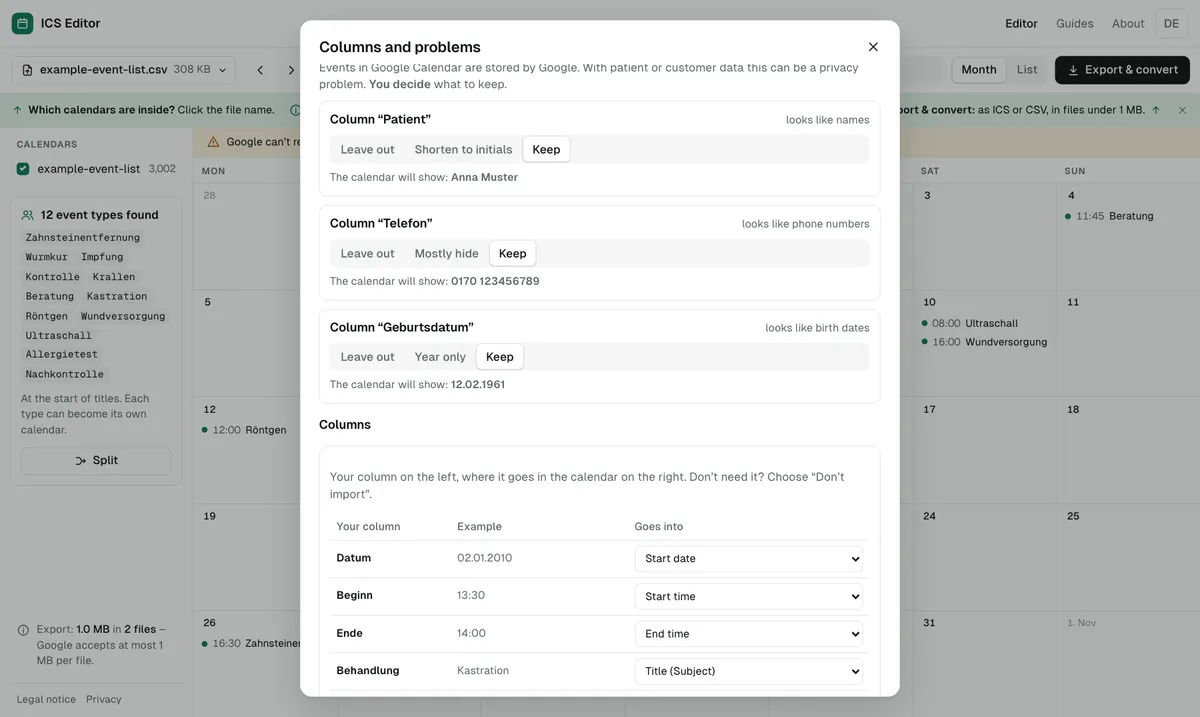
A converter that runs on a server inevitably gets to see your file. With event lists containing names, phone numbers or patient data, that’s risky. The tool works exclusively in your browser; a security policy forbids the page to connect to other servers. You can leave out or shorten detected personal data before exporting.
Frequently asked questions
Can ChatGPT make an ICS file?
Yes, AI chatbots can generate the text of an ICS file. Check the result, though: the frame must be right (BEGIN:VCALENDAR, VERSION, PRODID, END:VCALENDAR), Google accepts at most 1 MB – and if you paste an event list with personal data into a chat, it leaves your device. With the tool you convert without uploading.
Are special characters kept?
Yes. The tool also detects Excel’s Windows character set and saves the ICS file as UTF-8.
Can I convert ICS back to CSV?
Yes, as a Google CSV – with the limitation that recurring events can’t be represented as a series.
Sources
- Google Calendar Help: Import events to Google Calendar
- RFC 5545: Internet Calendaring and Scheduling (iCalendar)
All information as of 7 October 2026.